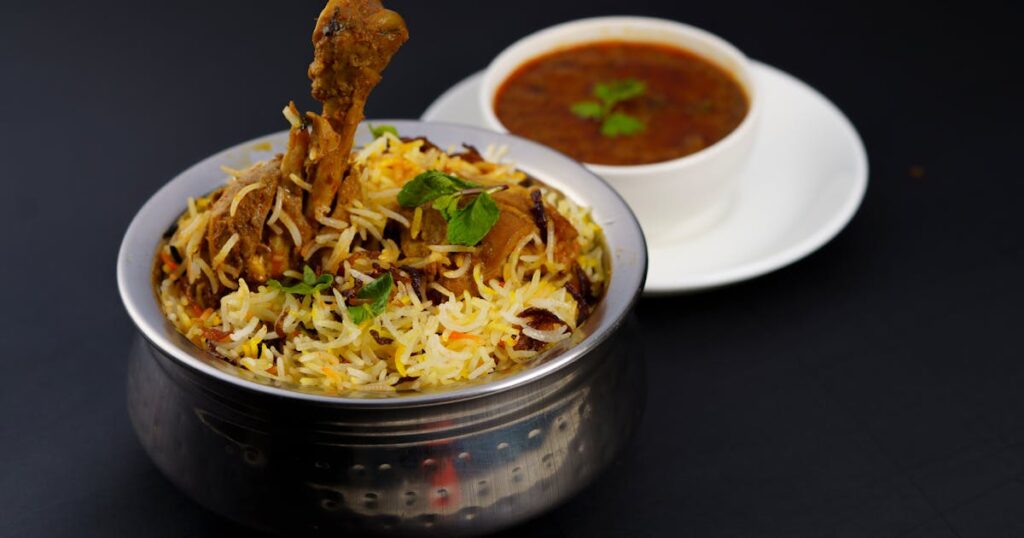
If you want to improve Zomato restaurant listing performance fast, the win is not in the algorithm. It is in the nine boring profile fields most owners ignore. Each fix below takes under two minutes, costs nothing, and lifts either visibility, click-through, or order conversion. Together, they take 15 minutes and can move your weekly orders up 20-40%.
We pulled this list from talking to 30+ restaurant owners across Delhi, Mumbai, Bengaluru, Pune, and Hyderabad. Every fix has been pressure-tested on real Zomato dashboards. The screenshots in your Restaurant Partner app may look slightly different by city, but the field names and the logic stay the same.
The Indian online food delivery market crossed Rs 90,000 crore in GMV in 2024-25 according to the NRAI India Food Services Report, and Zomato alone processed over 813 million orders in FY25 per the company’s annual report. Your competitors are not better than you. Their listings are just sharper.
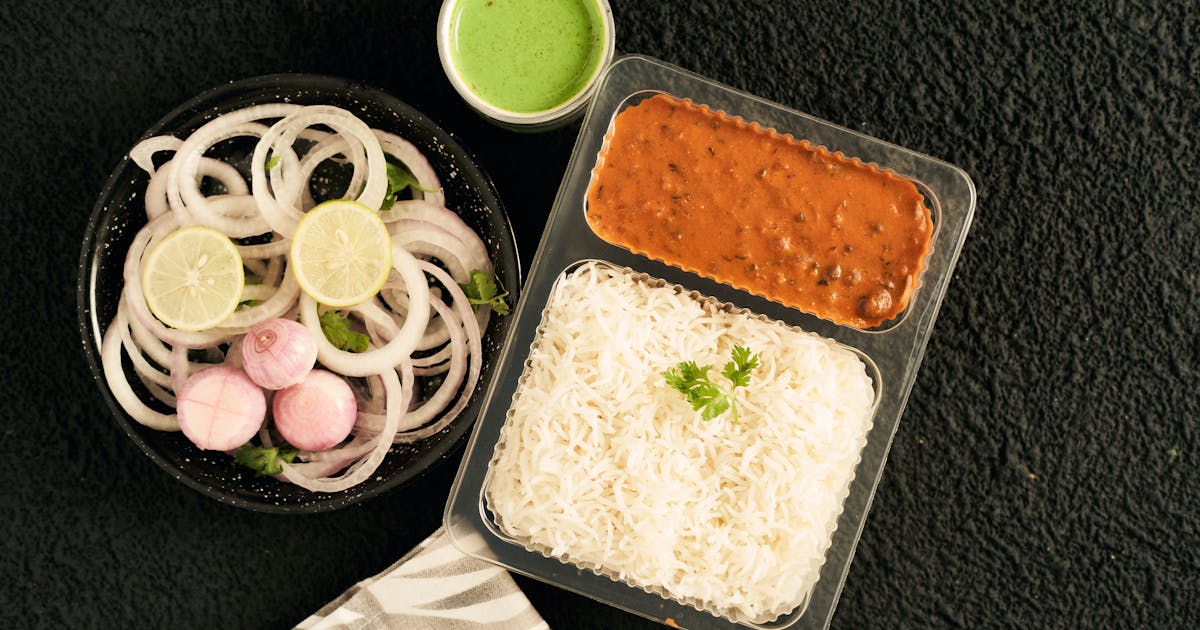
Photo: Indian takeaway food ready for delivery (Pexels — Free to use)
Why your Zomato listing quietly bleeds orders every week
Here is the diagnosis nobody tells you. Zomato’s funnel has four steps: impression, listing view, menu view, order. Most restaurants lose 60-70% of users between steps two and three. The user saw your card on the home feed or search, tapped in, did not like what they saw, and bounced.
The drop happens because of small, fixable things. Photos that load slow because they are too heavy. Operating hours that say “Closed” when you are actually open. Menu items without descriptions. Cover photos that show your logo instead of food. The single Rs 0 fixes you can do this afternoon.
Zomato’s own restaurant blog has confirmed that profile completeness correlates directly with order volume. A profile rated “100% complete” by Zomato’s internal scoring gets shown more often in search and category pages. Most owners we surveyed sit between 60-75%.
Before we get into the fixes, log into your Zomato Restaurant Partner app, tap your restaurant name, then “Profile Settings.” Keep that screen open. We will be in and out of it for the next 15 minutes.
Inline definition: Zomato CTR (Click-Through Rate) — The percentage of users who see your restaurant card in search or category feeds and tap on it. Industry average for Indian restaurants on Zomato sits at 4-8%. Restaurants in the top decile push 12-15%. Your hero photo, name, rating, and badges decide whether they tap or scroll past.
The 9 fixes ranked by impact and effort
Here is what we are working with. Do them in order. The first four are zero-cost, no-asset fixes you can do right now. The last five need a phone camera, a few minutes of writing, or a quick conversation with your kitchen team.
| # | Fix | Time | Impact | Effort | Why it works |
|---|---|---|---|---|---|
| 1 | Fix operating hours | 1 min | High | Low | Wrong hours = “Closed” tag = zero orders |
| 2 | Tag your cuisines correctly | 2 min | High | Low | Filters route users to listings by cuisine |
| 3 | Replace your cover photo with food | 1 min | High | Low | Logo covers tank CTR by 30-40% |
| 4 | Set a real minimum order value | 1 min | Medium | Low | Rs 99 MOVs convert 2x better than Rs 199 |
| 5 | Add descriptions to your top 10 dishes | 4 min | High | Medium | Descriptions lift conversion 18-25% |
| 6 | Upload food photos for top 10 dishes | 3 min | High | Medium | Items with photos get ordered 2-3x more |
| 7 | Mark bestsellers manually | 1 min | High | Low | Triggers the algorithm to feature them |
| 8 | Turn on Zomato Pro / Gold offers | 1 min | Medium | Low | Free reach boost for participants |
| 9 | Switch delivery radius to your real range | 1 min | Medium | Low | Wider radius = more impressions, lower conversion |
| Total | 15 min |
The 15-minute total assumes you have phone photos of your top sellers already on your camera roll. If not, add 30 minutes for a quick photo session over lunch service.
Fix 1: Get your operating hours right (1 minute)
Open Restaurant Partner app, tap Profile Settings, then Operating Hours. Most owners set this once at onboarding and never check again. Three problems are common.
You marked yourself open from 11 AM to 11 PM but actually start lunch service at 12. Customers ordering at 11:15 get a “no riders available” or “kitchen not accepting” experience, which Zomato logs as a failed order. Three of these in a week and your visibility drops.
You forgot to update hours for special days. Many cities still show Republic Day, Holi, or Eid as standard operating days even when you are closed. Zomato shows your listing during those hours, customers tap, and bounce.
You did not split lunch and dinner hours. Some restaurants close 3-6 PM. If you mark yourself “open 11 AM to 11 PM” while actually shut at 4 PM, every 4-5 PM impression converts to nothing.
Action: Tap Operating Hours, adjust each day individually, add break hours if you take a service gap. Save. Done.
Fix 2: Tag your cuisines correctly (2 minutes)
Cuisines is the filter that routes users to your menu. Indian users search “biryani near me” or “south indian breakfast” or “chinese food” far more than they search restaurant names. The cuisine field decides whether you show up.
Open Profile Settings > Cuisines. Zomato lets you pick up to 5. Most owners pick the obvious ones (Indian, Chinese) and stop. The fix is more granular.
If you serve biryani, tag both “Biryani” and “Hyderabadi” or “Lucknowi” depending on style. Both filters exist and users use both. If you serve South Indian breakfast plus North Indian dinner, tag both. If you do continental, tag “Continental” plus “Italian” or “American” depending on what you actually serve.
Three rules: Tag what you actually do well, not everything. The algorithm penalises restaurants whose ratings dip because of a poorly executed cuisine they should not have claimed. Move your bestselling cuisine to position #1. Tag style variations (Mughlai, Awadhi, Punjabi, Andhra) if your menu leans that way.
This is the same logic behind getting your restaurant featured on Zomato’s home page — the algorithm needs unambiguous signals about what you are.
Fix 3: Replace your cover photo with food (1 minute)
Walk through Zomato right now. Almost every top-rated restaurant in your city has a hero photo of food, not a logo. The ones who lead with a logo or storefront photo are sitting 2-3 spots lower than they should.
The cover photo is the first thing a user sees. It decides whether they tap in. Eye-tracking studies in food UX research show that food photography drives 30-40% higher tap-throughs than text-heavy or logo-only covers.
Action: Tap Profile Settings > Photos > Edit Cover. Upload a high-resolution shot of your most photogenic, most ordered dish. Biryani, butter chicken, dosa, pizza — whatever sells the most for you. Shoot it in daylight near a window, plate it generously, take three angles, pick the best one.
If you do not have a phone shot ready, this is the one fix that needs a 10-minute kitchen detour. Bring a clean plate, plate up one portion of your bestseller, shoot it from the top against a clean dark surface. Done.
Photo: Indian restaurant interior (Pexels — Free to use). Use food shots, not interior shots, as your Zomato cover photo.
Fix 4: Set a real minimum order value (1 minute)
Many restaurants default to Rs 199 or Rs 249 because that is what the onboarding suggested. For most casual restaurants and QSRs, that number is too high.
RedSeer’s 2024 India online food delivery report notes that 38% of order dropoffs happen at checkout when the MOV is higher than what the user planned to spend. A user wants a single biryani for Rs 250. Your MOV is Rs 299. They abandon the cart.
Drop your MOV to Rs 99 or Rs 149 if your average single-item price allows it. You will see more orders. The trade-off is some single-item orders at slightly lower margin, but the volume lift usually wins.
Action: Profile Settings > Order Settings > Minimum Order Value. Adjust. Save.
This is one of those decisions that ties into how you manage food costs without compromising quality — lower MOV brings more orders, you need tight portion control to stay profitable on the small ones.
Fix 5: Add descriptions to your top 10 dishes (4 minutes)
This is where most listings die. Item names without descriptions force the user to guess what they are ordering. Guessing = bouncing.
Open Menu Management in the app. Scroll to your bestsellers. Most will have just the dish name and price. Zomato gives you 250 characters of description per item. Use them.
A good item description does three things. It tells the user what is in the dish (key ingredients). It signals the size or quantity (full plate, two pieces, 350ml). It hooks emotion (slow-cooked, hand-pounded, family recipe).
Bad: “Chicken Biryani — Rs 299”
Good: “Hyderabadi Chicken Biryani — Slow-cooked basmati layered with marinated chicken thighs and fried onions. Serves one. Served with raita and salan. (Rs 299)”
Conversion lift for items with full descriptions sits at 18-25% according to platform-side data Zomato has shared at industry events. The 4-minute investment pays for itself in a week.
Action: Tap each of your top 10 items. Edit. Add description. Save.
Fix 6: Upload food photos for your top 10 dishes (3 minutes)
If you only have time for one big win, it is this one. Items with photos get ordered 2-3x more than items without. Zomato has said this publicly. Restaurant owners we surveyed who added photos to their top 10 items saw weekly orders climb 25-50%.
You do not need a professional photographer. Phone shots in daylight, against a clean surface, with the dish plated generously, work fine.
The 60-second shoot routine: Carry the dish to the window or a well-lit spot. Wipe the rim of the plate. Garnish if your recipe calls for it (mint, coriander, lime wedge). Shoot from directly above (overhead) and at 45 degrees (three-quarter angle). Take five shots, pick the sharpest one. Crop tight so the food fills the frame.
Upload via Menu Management > tap dish > Edit > Photo. Repeat for each.
If the food packaging in your photos looks tired — crumpled foil, generic plastic boxes, leaking sauces — it shows up in reviews and ratings later. A few restaurants we spoke to have switched to compostable bagasse containers (Chuk being one of the options) for delivery items where the customer is likely to photograph and post the unboxing. Sturdier, cleaner-looking, and the eco angle plays well in your “About” section.
Fix 7: Mark bestsellers manually (1 minute)
Zomato has a “Bestseller” tag that pushes items higher in the menu and triggers them to appear in recommendations. Most restaurants do not realise you can manually mark items as bestsellers — the algorithm only auto-tags after a meaningful order volume, which can take months.
Manually tagging your three top-sellers gives the algorithm a head start. Once a tagged item starts converting, Zomato shows it more prominently to other users, creating a flywheel.
Action: Menu Management > tap dish > Edit > toggle “Bestseller.” Pick 3-5 items, no more. If everything is a bestseller, nothing is.
This pairs well with the broader strategy of ranking higher on Zomato and Swiggy — the algorithm rewards restaurants that signal which items deserve attention.
Fix 8: Opt into Zomato Pro and Gold offers (1 minute)
Zomato Pro (formerly Zomato Gold) members are heavy users. They order more often and spend more per order. Restaurants that participate get a “Pro” badge on their listing and appear in dedicated Pro filters.
The participation cost is structured as a discount (typically 20% off, with a cap), which Zomato reimburses partially. The lift in order volume from Pro users usually offsets the discount, especially for higher-AOV restaurants.
Action: Profile Settings > Programs > toggle Zomato Pro participation. Set the discount cap you are comfortable with. Save.
This is a marketing spend in disguise — but a measurable one. Track 30-day order volume before and after to confirm the math works for your specific case. The deeper analysis of Zomato Gold and Swiggy One for restaurants covers when it makes sense and when it does not.
Fix 9: Adjust delivery radius to match your actual range (1 minute)
Default delivery radius is set wide at onboarding. The logic is “more impressions = more orders.” That is half-right. Wider radius does mean more impressions, but conversion drops sharply because food arrives cold, delivery takes longer, and ratings suffer.
The sweet spot for most non-premium restaurants is 4-6 km. Premium and fine-dining restaurants can push to 8-10 km because their AOV justifies longer delivery times.
Action: Profile Settings > Delivery Area > adjust radius slider. Save.
If you serve hot, fresh food (biryani, dosa, parathas), tighter is better. If you serve dishes that travel well (pastries, baked items, packaged meals), you can stretch wider.
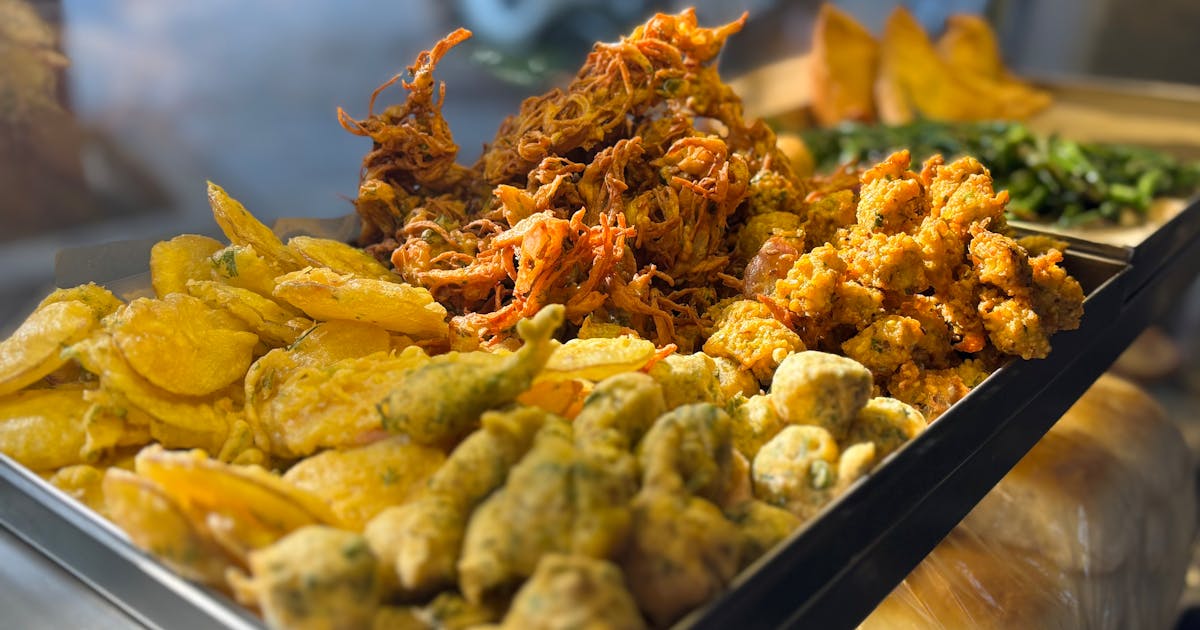
Photo: Indian street food (Pexels — Free to use). Tight delivery radius keeps food quality high and ratings up.
The 15-minute checklist (print this and tick as you go)
- Operating hours: corrected (especially break hours and special days)
- Cuisines: 3-5 tagged, bestseller first
- Cover photo: food, not logo
- MOV: dropped to Rs 99-149
- Top 10 dishes: descriptions added
- Top 10 dishes: photos uploaded
- Bestsellers: 3-5 manually marked
- Zomato Pro: opted in (if economics work)
- Delivery radius: matched to actual range
Do all nine. Then wait a week and check your dashboard. The metrics that move first are impression count (Fix 2, 3, 8), CTR (Fix 3, 7), and conversion (Fix 4, 5, 6). Orders follow on a one-to-two-week lag.
How to measure if it is working
Open Zomato’s Insights dashboard (Profile > Insights). Track these four numbers week-over-week.
Impressions — the number of users who saw your card in search or category. Fixes 2, 3, and 8 move this directly.
Listing CTR — impressions to listing-view ratio. Fix 3 (cover photo) is the biggest lever here.
Menu-to-order conversion — the percentage of menu viewers who placed an order. Fixes 4, 5, 6, and 7 affect this.
Rating trend — direct impact of Fix 9 (delivery radius) plus food packaging quality.
If you are tracking restaurant operations metrics like AOV, conversion, and food cost percentage, these dashboard numbers slot in as your top-of-funnel inputs.
When fixes alone are not enough
If you have run through all nine and your orders are still flat after two weeks, the listing is fine. The problem sits elsewhere. Five places to check:
- Food quality — 4-star rating restaurants out-order 3.5-star restaurants by 60-80%. If your rating is below 3.7, listing optimization buys you very little.
- Pricing vs. competitors — pull up three nearby restaurants in your cuisine. Compare your top-3 dish prices to theirs. If you are 25%+ higher with no clear differentiator, that is the bottleneck.
- Delivery quality — late, cold, leaking food sinks ratings faster than anything else. If you do not own logistics, work with the platform on flagging recurring rider issues.
- Photo quality consistency — a dazzling cover photo with mediocre item photos creates a mismatch. Either all photos are pro-shot or all are clean phone shots.
- Aggregator-only strategy — if 100% of your orders come from Zomato, you are exposed. Build your direct ordering channel via Google Business Profile or your own website too. Diversify.
For deeper structural issues, the practical guide to boosting your restaurant’s online presence and the 5-step cloud kitchen registration playbook cover where to invest next.
FAQ
How long does it take to update my Zomato listing?
Most changes go live within 30 minutes to 4 hours. Profile field edits (hours, cuisines, photos, descriptions) are near-instant in the app. Menu structure changes and new dish additions can take a few hours for Zomato’s content team to approve.
Why are my Zomato orders dropping suddenly?
Three usual suspects. Your rating dipped below a threshold (typically 4.0 or 3.7 depending on category). Your operating hours have a mismatch — you are showing as “Closed” or “Not accepting” during peak hours. A new competitor has opened nearby with aggressive pricing. Check Insights for impression count — if it is steady but conversion is down, it is a listing problem. If impressions are down, it is an algorithm or competition problem.
Can I get my restaurant featured on Zomato for free?
Yes, the home-page slots and category banners are algorithmic, not paid. The algorithm rewards restaurants with high ratings (4.0+), high order volume in the last 30 days, complete profiles, and consistent uptime. Paid promotion exists separately (Zomato Ads), but the organic featured slots are earnable — read the full breakdown of getting featured on Zomato’s home page.
Does Zomato Pro / Gold actually bring more orders?
For most casual and mid-tier restaurants, yes — typically 15-30% incremental order lift, though it varies. For very-low-AOV QSRs, the discount eats into margins. Track 30-day order volume before and after as your acid test.
How many photos should I have on my Zomato listing?
Cover photo, plus photos for your top 10-15 dishes, plus 4-6 ambience or food shots in the gallery. So roughly 20-25 photos total. Beyond that, returns flatten. Quality matters more than count.
In a nutshell
To improve Zomato restaurant listing performance, you do not need an agency or paid ads. You need 15 minutes and nine fixes. Operating hours, cuisines, cover photo, MOV, item descriptions, item photos, bestseller tags, Pro participation, delivery radius. That is it.
Most owners we talked to saw measurable lift within two weeks. The ones who treated it as a one-time task slipped back; the ones who set a monthly recurring 15-minute audit kept gaining.
Open the Restaurant Partner app right now. Start with Fix 1. Work through to Fix 9. Set a calendar reminder for the same time next month. Your listing is a living thing — treat it that way.
Last reviewed: May 2026
Your listing photos are only as good as the box the food shows up in.
Chuk’s compostable bagasse delivery containers ride out a 40-minute delivery without leaks or soggy corners. Or grab a sample box and test them with your own menu first.